Introducing Custom Tracking URLs
We’re excited to announce Custom Tracking URLs — a new feature that gives you full control over your email tracking links and improves your email deliverability.
What’s new
Custom tracking subdomains
You can now customize the subdomain used for tracking links in your emails. Instead of using a generic tracking domain, your tracking links will use your own domain, improving trust and deliverability.
New DNS records
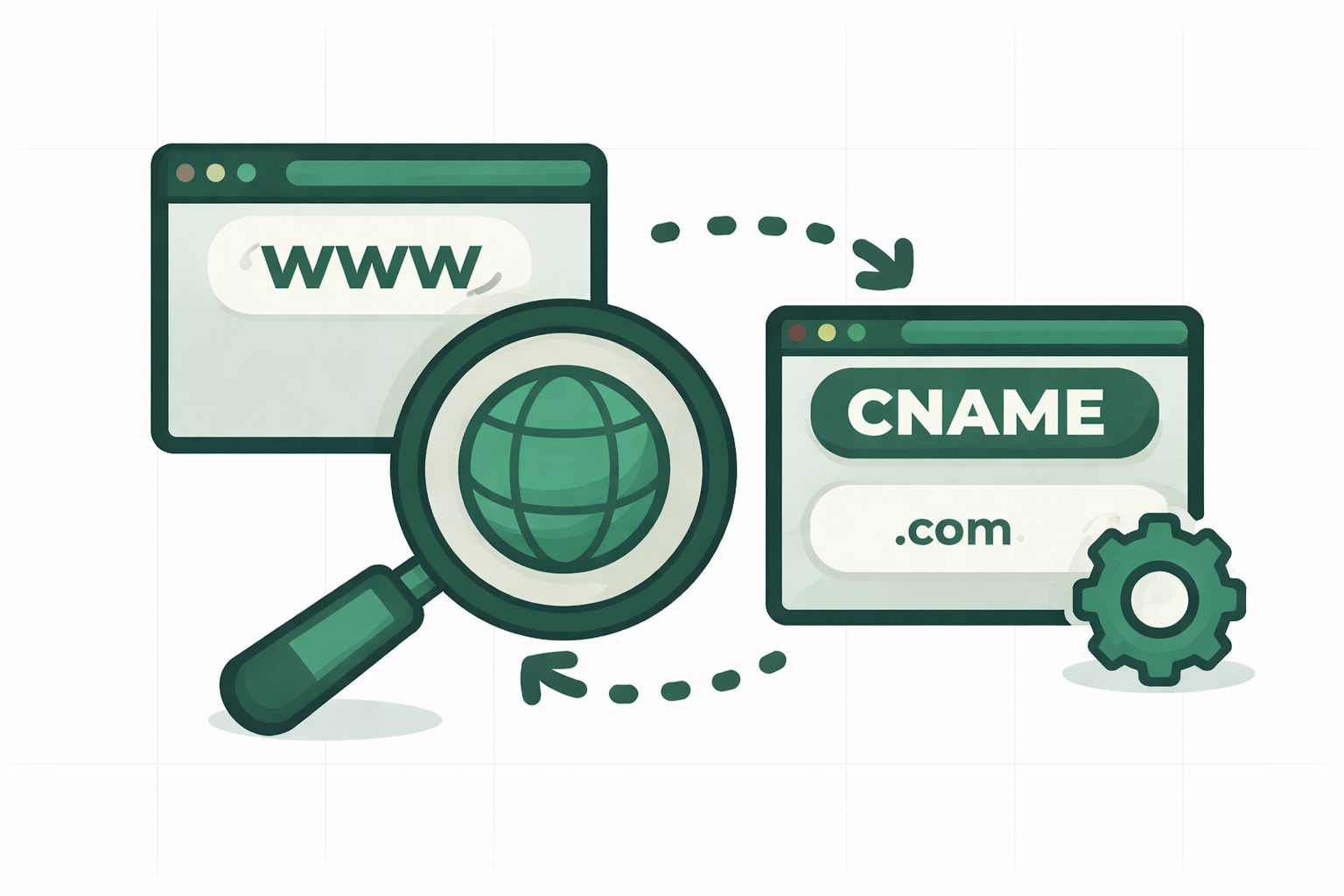
To enable custom tracking, you’ll need to add a new optional CNAME record to your domain:
Tracking CNAME
- Type:
CNAME - Name:
go.yourdomain.com - Value:
go.emailitmail.com
This record enables custom tracking URLs for click and open tracking.
How to set it up
Setting up custom tracking URLs is simple:
- Navigate to Domains in your Emailit dashboard
- Open your domain profile by clicking on the domain you want to configure
- Add the new DNS records shown in the DNS Records section
- Verify the records by clicking the Verify button
You can also send the DNS setup instructions directly to your email by clicking the Send Instructions button — perfect for forwarding to your IT team or DNS administrator.
Customizing your tracking key
Want to use a different subdomain for tracking? You can customize the tracking key in your domain settings:
- Open your domain profile
- Find the tracking key setting
- Enter your preferred subdomain (e.g.,
track,links, orclick) - Click the Save button
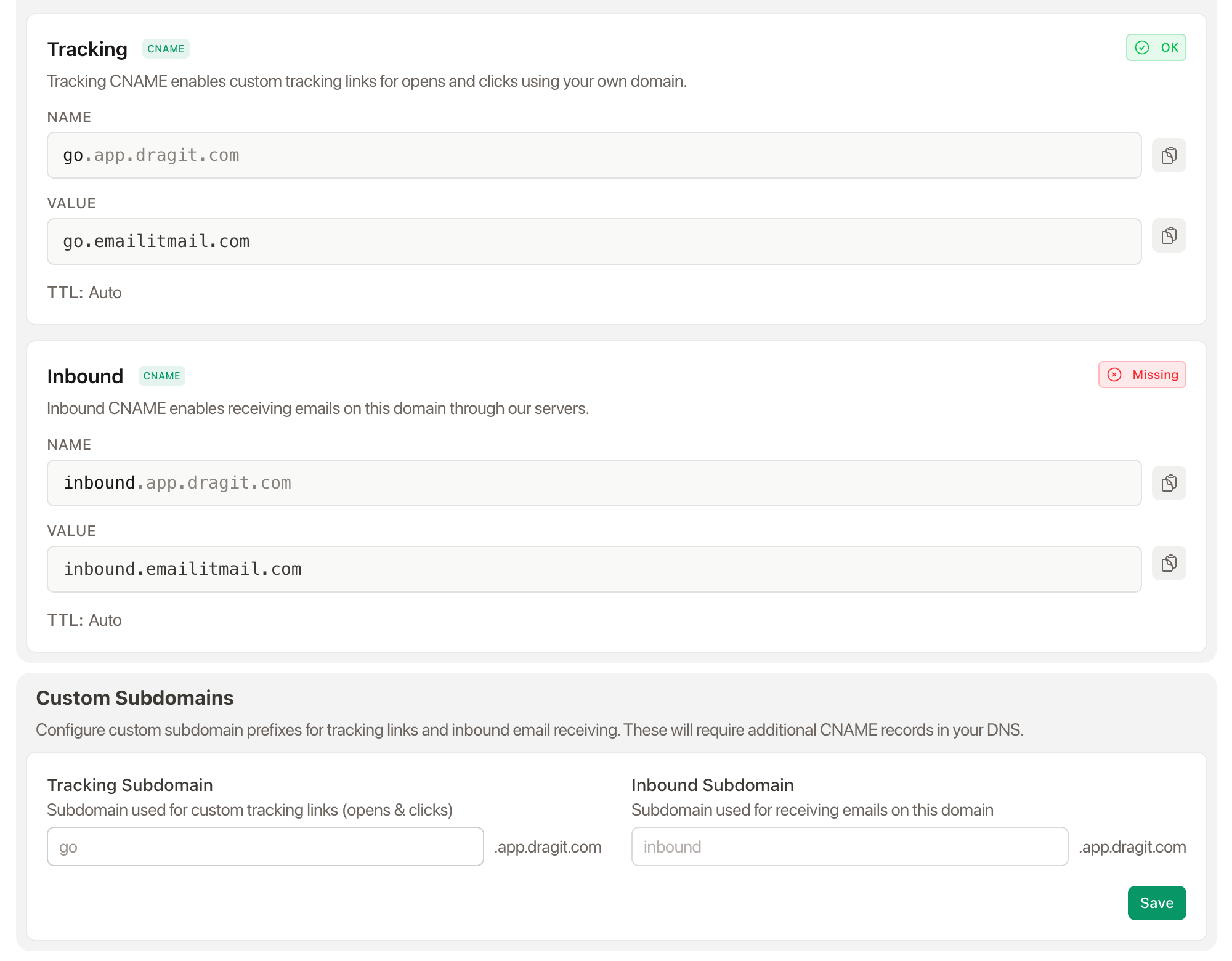
This allows you to use track.yourdomain.com instead of go.yourdomain.com if you prefer.
Simplified naming: Domains
As part of this update, we’ve simplified our naming convention. What was previously called “Sending Domains” is now simply called “Domains”. This change is reflected throughout the dashboard and API.
The API v2 endpoints have also been updated:
/v2/sending-domains→/v2/domains
This makes the interface cleaner and more intuitive.
Benefits of custom tracking URLs
- Improved deliverability: Tracking links using your own domain are less likely to be flagged by spam filters
- Brand consistency: Keep your brand visible in all email links
- Trust: Recipients see your domain in links, increasing click-through rates
- Professional appearance: No more generic tracking domains in your emails
API updates
The Domain API now includes new fields for tracking status:
{
  "tracking_status": "ok",
  "tracking_error": null
}
You can also customize tracking key via the API:
{
  "tracking_key": "track"
}
Blog
The latest news and updates, direct from Emailit.
Stay up to date with the latest articles from Emailit Blog.