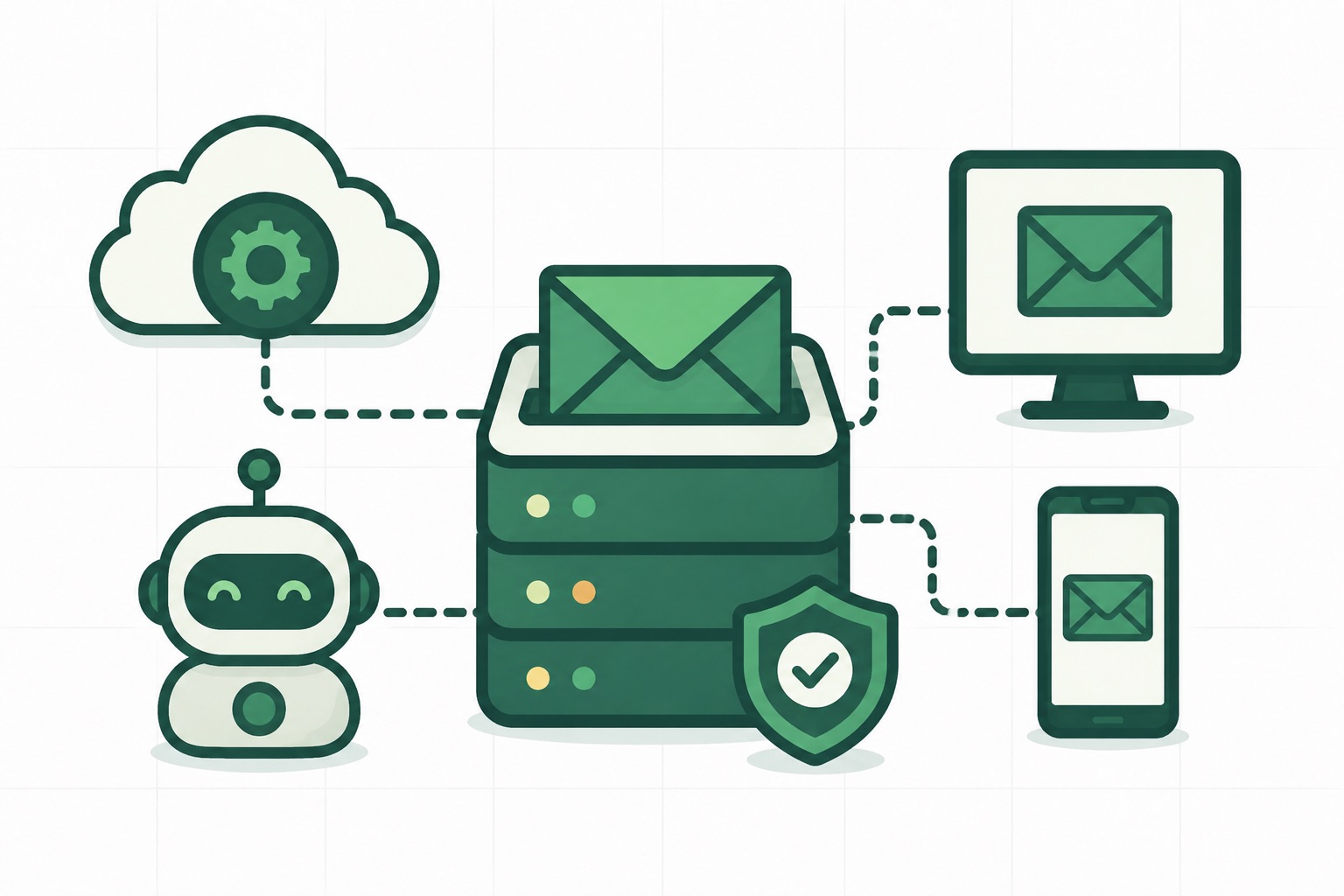
Inbound Emails Are Here

Emailit can now receive emails, not just send them. As part of Webhooks v2, we’ve introduced the email.received event, a real-time notification every time an incoming email lands on one of your domains.
How it works
-
Configure your MX record — Point your domain’s MX record to Emailit so incoming mail is routed to us. You can configure this in your domain’s DNS settings alongside the existing sending records. See the Domains API for details.
-
Subscribe to
email.received— Create a webhook that listens for theemail.receivedevent. When an email arrives, Emailit sends aPOSTto your endpoint with the sender, recipient, subject, and email ID. -
Fetch the full email — The webhook payload includes the email
id. Use the Get Email endpoint to retrieve the complete email — parsed headers, text and HTML body, and the full raw message.
{
  "event_id": "evt_2bH7kNwP5mQaV1sXgIdKe6pZr",
  "type": "email.received",
  "data": {
    "object": {
      "id": "em_4yM2nTvR8oPcX3uZiKeLg7sB",
      "object": "email",
      "from": "sender@example.com",
      "to": "you@yourdomain.com",
      "subject": "Hello from the outside",
      "created_at": "2026-02-26T14:30:00.000000+00:00"
    }
  }
}
Setting up MX records
To receive emails on your domain, add an MX record pointing to Emailit:
| Type | Name | Value | Priority |
|---|---|---|---|
| MX | inbound | inbound.emailitmail.com | 10 |
Once the MX record propagates, any email sent to an address on that domain will be accepted by Emailit and trigger the email.received webhook.
Pricing
Each accepted incoming email costs one credit, the same as sending an email. Rejected or undeliverable messages are not charged.
Use cases
- Customer support — Receive replies and route them to your helpdesk or ticketing system.
- Transactional workflows — Parse confirmation emails, receipts, or automated responses.
- Forwarding — Accept email on a custom domain and forward it to another service.
- Data ingestion — Extract structured data from incoming messages for processing.
Get started
- Add the MX record to your domain
- Create a webhook subscribed to
email.received - Use the Get Email API to fetch the full message contents
Check out the Webhooks documentation for the full setup guide, or read the email.received event reference for payload details.
Blog
The latest news and updates, direct from Emailit.
Stay up to date with the latest articles from Emailit Blog.