Sending Emails Using Laravel
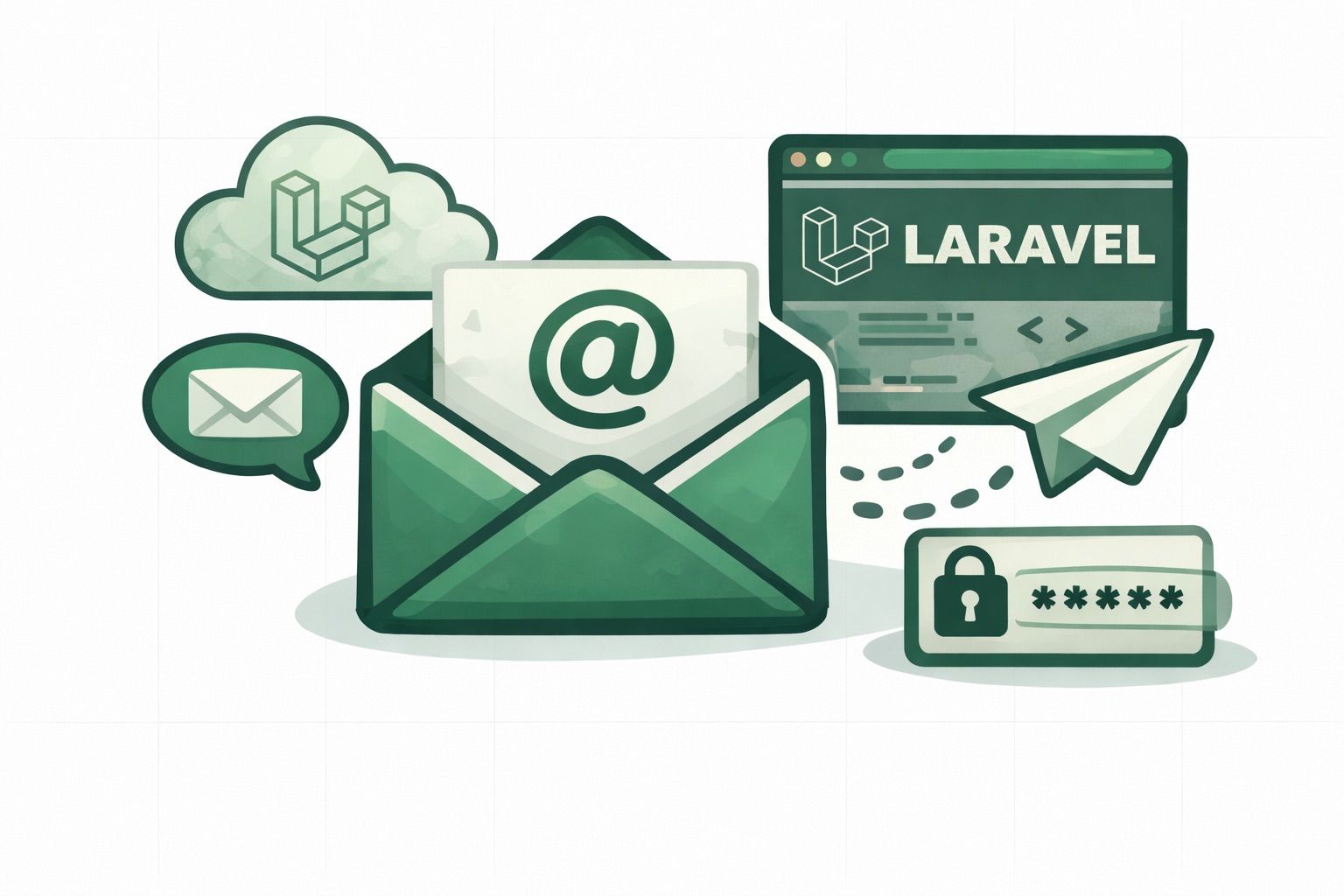
Laravel ships with excellent mail support out of the box, but you still need a reliable delivery service behind it. The Emailit Laravel package plugs directly into Laravel's mail system as a native transport. Your existing Mailables, Notifications, and Mail::send() calls work without any code changes. On top of that, you get full access to the Emailit API through a convenient Facade.
Sending emails is one of the most common tasks in any Laravel application. User registration confirmations, password resets, order receipts, shipping updates, and marketing newsletters all depend on reliable email delivery. While Laravel provides a powerful mail abstraction layer, the actual delivery still depends on the transport you configure. Using an email API like Emailit gives you high deliverability, delivery tracking, bounce management, and detailed analytics, without having to manage SMTP servers or worry about IP reputation.
In this guide we'll walk through setting up Emailit in a Laravel application and sending emails using both the standard Laravel mail system and the Emailit Facade.
Requirements
- PHP 8.1 or higher
- Laravel 10, 11, or 12
- An Emailit account with an API key
Installation
Install the package via Composer:
composer require emailit/emailit-laravel
The package auto-discovers its service provider, so no manual registration is needed. It works with Laravel 10, 11, and 12 out of the box.
Configuration
Add your API key to .env:
EMAILIT_API_KEY=your_api_key
Set Emailit as your default mailer:
MAIL_MAILER=emailit
Add the emailit mailer to your config/mail.php mailers array:
'mailers' => [
    // ...

    'emailit' => [
        'transport' => 'emailit',
    ],
],
Optionally, publish the config file to customize the API base URL:
php artisan vendor:publish --tag=emailit-config
The configuration is intentionally minimal. Once you set your API key and default mailer, Laravel will route all outgoing mail through Emailit automatically. There is no need to configure SMTP hosts, ports, encryption settings, or authentication credentials like you would with a traditional mail server setup.
Sending emails with Laravel Mail
Once configured, all of Laravel's mail features work out of the box. Nothing in your existing code needs to change.
Using a Mailable
Create a Mailable class as you normally would:
namespace App\Mail;

use Illuminate\Bus\Queueable;
use Illuminate\Mail\Mailable;
use Illuminate\Mail\Mailables\Content;
use Illuminate\Mail\Mailables\Envelope;
use Illuminate\Queue\SerializesModels;

class WelcomeEmail extends Mailable
{
    use Queueable, SerializesModels;

    public function __construct(
        public readonly User $user,
    ) {}

    public function envelope(): Envelope
    {
        return new Envelope(
            subject: 'Welcome to Our App',
        );
    }

    public function content(): Content
    {
        return new Content(
            view: 'emails.welcome',
        );
    }
}
Then send it:
use Illuminate\Support\Facades\Mail;
use App\Mail\WelcomeEmail;

Mail::to('user@example.com')->send(new WelcomeEmail($user));
Queued mail, Markdown mailables, and Notifications all work exactly as you'd expect. Emailit sits transparently behind Laravel's mail layer, so you can swap it in for any existing transport like SMTP, Mailgun, or SES without touching your application code. This makes it easy to test Emailit alongside your current provider or migrate gradually.
Using the Emailit Facade
For features that go beyond what Laravel's mail system offers, like templates with variables, scheduled sends, or managing API resources, use the Emailit Facade. It gives you direct access to the full Emailit PHP SDK.
Send an email via the API
use Emailit\Laravel\Facades\Emailit;

$email = Emailit::emails()->send([
    'from'    => 'hello@yourdomain.com',
    'to'      => ['user@example.com'],
    'subject' => 'Hello from Emailit',
    'html'    => '<h1>Welcome!</h1>',
]);

echo $email->id;
echo $email->status;
Send with a template
Reference templates you've built in the Emailit dashboard and pass dynamic variables:
use Emailit\Laravel\Facades\Emailit;

$email = Emailit::emails()->send([
    'from'      => 'hello@yourdomain.com',
    'to'        => 'user@example.com',
    'template'  => 'welcome_email',
    'variables' => [
        'name'    => 'John Doe',
        'company' => 'Acme Inc',
    ],
]);
Using server-side templates is a powerful pattern for Laravel applications. Your designers and marketers can update email content, styling, and layout in the Emailit dashboard without requiring code changes or new deployments. The PHP code only needs to pass the data, and the template handles the rendering.
Schedule an email
use Emailit\Laravel\Facades\Emailit;

$email = Emailit::emails()->send([
    'from'         => 'reminders@yourdomain.com',
    'to'           => 'user@example.com',
    'subject'      => 'Appointment Reminder',
    'html'         => '<p>Your appointment is tomorrow at 2 PM.</p>',
    'scheduled_at' => '2026-04-10T09:00:00Z',
]);
Scheduled emails are handled entirely by the Emailit API, which means they work independently of your Laravel queue system. This is ideal for appointment reminders, subscription renewal notices, and time-sensitive campaigns where you want guaranteed delivery at a specific time, even if your application server experiences downtime.
Send with attachments
use Emailit\Laravel\Facades\Emailit;

$email = Emailit::emails()->send([
    'from'        => 'invoices@yourdomain.com',
    'to'          => 'customer@example.com',
    'subject'     => 'Your Invoice #12345',
    'html'        => '<p>Please find your invoice attached.</p>',
    'attachments' => [
        [
            'filename'     => 'invoice.pdf',
            'content'      => base64_encode(file_get_contents('invoice.pdf')),
            'content_type' => 'application/pdf',
        ],
    ],
]);
Managing resources
The Facade exposes every service from the Emailit API, so you can manage your entire email infrastructure from Laravel.
Domains
use Emailit\Laravel\Facades\Emailit;

$domain = Emailit::domains()->create([
    'name' => 'example.com',
    'track_loads' => true,
    'track_clicks' => true,
]);

$domain = Emailit::domains()->verify('sd_123');
Managing sending domains through the API is useful for SaaS platforms that need to set up custom domains for each customer. You can automate the entire domain verification workflow, including DNS record checks, directly from your Laravel application.
Contacts
use Emailit\Laravel\Facades\Emailit;

$contact = Emailit::contacts()->create([
    'email' => 'user@example.com',
    'first_name' => 'John',
    'last_name' => 'Doe',
]);

$contacts = Emailit::contacts()->list();
Email verification
use Emailit\Laravel\Facades\Emailit;

$result = Emailit::emailVerifications()->verify([
    'email' => 'test@example.com',
]);

echo $result->status; // valid
echo $result->risk;   // low
Verifying email addresses at the point of registration or form submission helps you maintain a clean contact list and protects your sender reputation. High bounce rates from invalid addresses can cause your emails to land in spam folders, so verification is a best practice for any Laravel application that sends transactional or marketing emails at scale.
Dependency injection
If you prefer not to use Facades, you can inject the client directly:
use Emailit\EmailitClient;

class EmailController extends Controller
{
    public function send(EmailitClient $emailit)
    {
        $email = $emailit->emails()->send([
            'from'    => 'hello@yourdomain.com',
            'to'      => ['user@example.com'],
            'subject' => 'Hello',
            'html'    => '<p>Hi there!</p>',
        ]);

        return response()->json(['id' => $email->id]);
    }
}
Laravel's service container automatically resolves the EmailitClient instance with the API key from your configuration, so you get the same convenience as the Facade with the testability benefits of dependency injection.
Error handling
The underlying PHP SDK throws typed exceptions, so you can catch specific error types:
use Emailit\Exceptions\AuthenticationException;
use Emailit\Exceptions\RateLimitException;
use Emailit\Exceptions\ApiErrorException;
use Emailit\Laravel\Facades\Emailit;

try {
    Emailit::emails()->send([...]);
} catch (AuthenticationException $e) {
    // Invalid API key (401)
} catch (RateLimitException $e) {
    // Too many requests (429)
} catch (ApiErrorException $e) {
    // Any other API error
    echo $e->getHttpStatus();
}
In a Laravel application, you can also handle these exceptions globally in your exception handler or use middleware to catch rate limit errors and implement automatic retry logic. This ensures your application stays resilient even when sending large volumes of email.
All available services
The Facade gives you access to everything in the Emailit API:
| Service | Usage | Description |
|---|---|---|
| Emails | Emailit::emails() | Send, list, get, cancel, retry emails |
| Domains | Emailit::domains() | Create, verify, list, manage sending domains |
| API Keys | Emailit::apiKeys() | Create, list, manage API keys |
| Audiences | Emailit::audiences() | Create, list, manage audiences |
| Subscribers | Emailit::subscribers() | Add, list, manage subscribers |
| Templates | Emailit::templates() | Create, list, publish email templates |
| Suppressions | Emailit::suppressions() | Create, list, manage suppressed addresses |
| Email Verifications | Emailit::emailVerifications() | Verify email addresses |
| Email Verification Lists | Emailit::emailVerificationLists() | Bulk email verification |
| Webhooks | Emailit::webhooks() | Create, list, manage webhooks |
| Contacts | Emailit::contacts() | Create, list, manage contacts |
| Events | Emailit::events() | List and retrieve events |
Get started
Install the package and start sending in under a minute:
composer require emailit/emailit-laravel
Check out the full package documentation on GitHub, the Emailit PHP SDK for the underlying client, or head to the API Reference for details on every endpoint.
Blog
The latest news and updates, direct from Emailit.
Stay up to date with the latest articles from Emailit Blog.