Sending Emails Using PHP
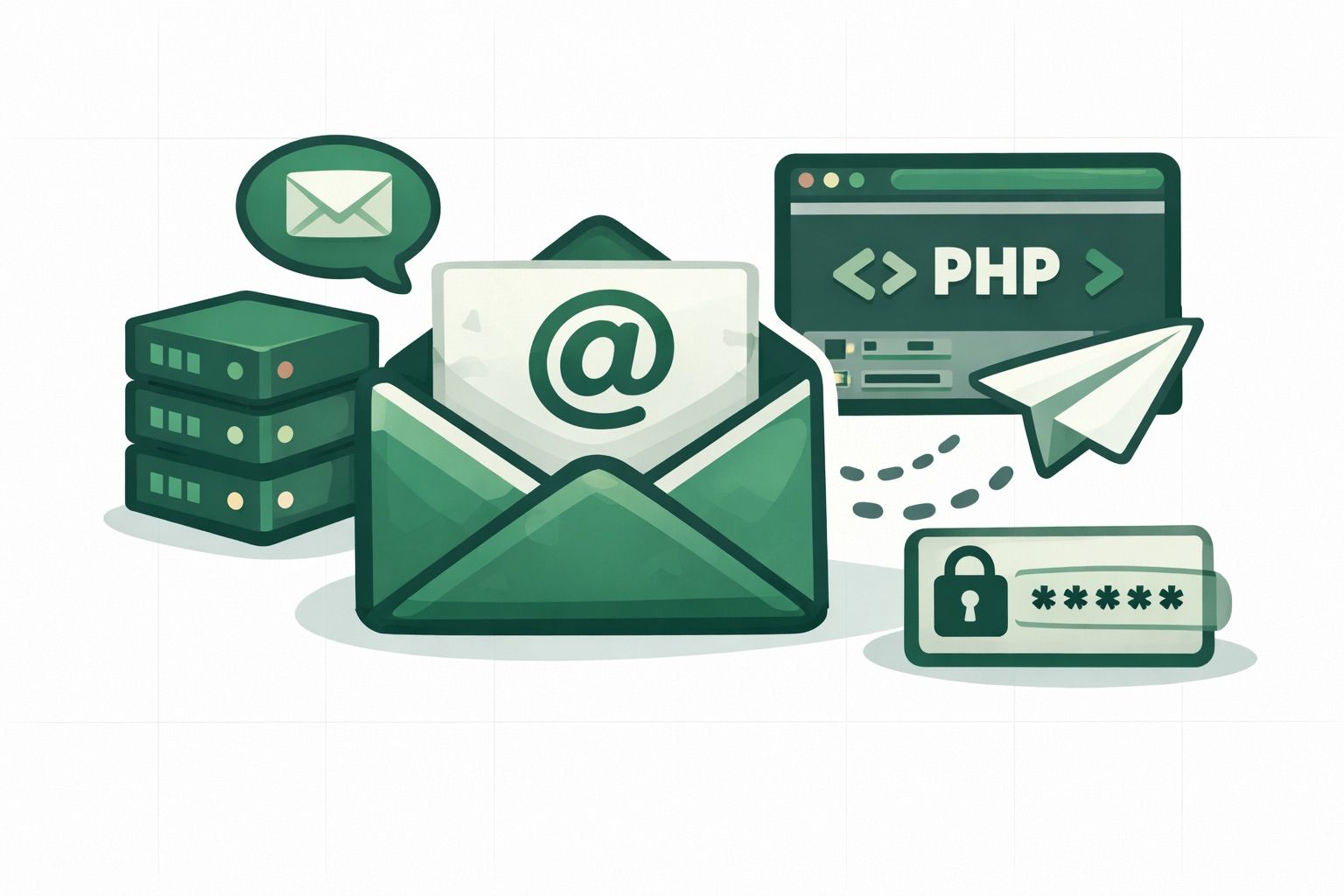
Sending emails from PHP has traditionally meant wrestling with mail(), configuring SMTP servers, or pulling in heavy dependencies. The Emailit PHP SDK gives you a clean, modern alternative. You can send transactional emails, manage domains, verify addresses, and handle webhooks, all through a simple API client.
PHP remains one of the most widely used languages for web development, and sending emails is a core requirement for almost every PHP application. Whether you are building a SaaS product, an e-commerce store, or a content management system, reliable email delivery is essential for user onboarding, password resets, order confirmations, and marketing campaigns. Rather than relying on PHP's built-in mail() function, which offers limited control and no delivery guarantees, using a dedicated email API ensures your messages actually reach the inbox.
In this guide we'll walk through installing the SDK and using it to send emails from any PHP application.
Requirements
- PHP 8.1 or higher
- An Emailit account with an API key
- Composer
Installation
Install the SDK via Composer:
composer require emailit/emailit-php
The Emailit PHP SDK is available as a Composer package, so it integrates seamlessly into any PHP project that uses Composer for dependency management. There is no need for manual file includes or custom autoloaders.
Initialize the client
Create a client instance with your API key:
require 'vendor/autoload.php';

$emailit = Emailit::client('your_api_key');
You can find your API key in the Emailit dashboard under API Keys.
Send a basic email
Sending an email takes a single method call:
$email = $emailit->emails()->send([
    'from'    => 'hello@yourdomain.com',
    'to'      => ['user@example.com'],
    'subject' => 'Hello from Emailit',
    'html'    => '<h1>Welcome!</h1><p>Thanks for signing up.</p>',
]);

echo $email->id;     // em_abc123...
echo $email->status; // pending
All service methods return typed resource objects with direct property access, so you always know exactly what you're working with.
Compared to using PHP's native mail() function, sending emails through an API gives you delivery tracking, bounce handling, and detailed status information for every message. You don't have to worry about configuring Sendmail or Postfix on your server, and you get reliable delivery across all major email providers like Gmail, Outlook, and Yahoo.
Send with a template
If you've created a template in the Emailit dashboard, you can reference it by slug and pass variables:
$email = $emailit->emails()->send([
    'from'      => 'hello@yourdomain.com',
    'to'        => 'user@example.com',
    'template'  => 'welcome_email',
    'variables' => [
        'name'    => 'John Doe',
        'company' => 'Acme Inc',
    ],
]);
Templates keep your email content out of your codebase and let non-developers update copy without a deploy. This is especially useful for transactional emails like welcome messages, password reset links, invoice receipts, and shipping notifications where the design and wording change more often than the code that triggers them.
Send with attachments
Attach files by passing base64-encoded content:
$email = $emailit->emails()->send([
    'from'        => 'invoices@yourdomain.com',
    'to'          => 'customer@example.com',
    'subject'     => 'Your Invoice #12345',
    'html'        => '<p>Please find your invoice attached.</p>',
    'attachments' => [
        [
            'filename'     => 'invoice.pdf',
            'content'      => base64_encode(file_get_contents('invoice.pdf')),
            'content_type' => 'application/pdf',
        ],
    ],
]);
You can attach PDFs, images, spreadsheets, or any other file type. This is commonly used to send invoices, reports, or generated documents directly from your PHP application without requiring a separate download link.
Schedule an email for later
Pass a scheduled_at timestamp to send at a future date:
$email = $emailit->emails()->send([
    'from'         => 'reminders@yourdomain.com',
    'to'           => 'user@example.com',
    'subject'      => 'Appointment Reminder',
    'html'         => '<p>Your appointment is tomorrow at 2 PM.</p>',
    'scheduled_at' => '2026-04-10T09:00:00Z',
]);

echo $email->status;       // scheduled
echo $email->scheduled_at; // 2026-04-10T09:00:00Z
Scheduled emails can be cancelled before they're sent:
$emailit->emails()->cancel('em_abc123');
Scheduling is useful for time-sensitive communications like appointment reminders, subscription renewal notices, and drip campaigns where the send time matters as much as the content itself.
List and manage sent emails
Retrieve a paginated list of your emails:
$emails = $emailit->emails()->list(['page' => 1, 'limit' => 10]);

foreach ($emails as $email) {
    echo $email->id . ' - ' . $email->status . "\n";
}
Retry a failed email:
$emailit->emails()->retry('em_abc123');
Having full visibility into your sent emails, their delivery status, and the ability to retry failures gives you a level of control that PHP's mail() function simply cannot provide. This is critical for applications where every email matters, such as transactional receipts, account verification links, and two-factor authentication codes.
Verify email addresses before sending
Reduce bounces by verifying addresses up front:
$result = $emailit->emailVerifications()->verify([
    'email' => 'test@example.com',
]);

echo $result->status; // valid
echo $result->score;  // 0.95
echo $result->risk;   // low
Email verification is a best practice for protecting your sender reputation. Sending to invalid or disposable email addresses increases your bounce rate, which can trigger spam filters and hurt deliverability across your entire domain. By verifying addresses before sending, you keep your bounce rates low and your reputation intact.
Handle webhook events
The SDK includes typed event classes and signature verification for webhooks. This lets you react to delivery events in real time:
use Emailit\WebhookSignature;
use Emailit\Events\EmailDelivered;
use Emailit\Events\EmailBounced;

$event = WebhookSignature::verify(
    file_get_contents('php://input'),
    $_SERVER['HTTP_X_EMAILIT_SIGNATURE'],
    $_SERVER['HTTP_X_EMAILIT_TIMESTAMP'],
    'your_webhook_signing_secret'
);

match (true) {
    $event instanceof EmailDelivered => handleDelivered($event),
    $event instanceof EmailBounced   => handleBounce($event),
    default                          => log("Unhandled: {$event->type}"),
};
Webhooks let your PHP application respond instantly when an email is delivered, bounced, opened, or clicked. This is essential for building event-driven workflows like updating a CRM when a message is delivered, alerting your support team on bounces, or tracking engagement metrics for your email campaigns.
Error handling
The SDK throws typed exceptions so you can handle each error case precisely:
use Emailit\Exceptions\AuthenticationException;
use Emailit\Exceptions\RateLimitException;
use Emailit\Exceptions\UnprocessableEntityException;
use Emailit\Exceptions\ApiErrorException;

try {
    $emailit->emails()->send([...]);
} catch (AuthenticationException $e) {
    // Invalid API key (401)
} catch (RateLimitException $e) {
    // Too many requests (429)
} catch (UnprocessableEntityException $e) {
    // Validation failed (422)
} catch (ApiErrorException $e) {
    // Any other API error
    echo $e->getHttpStatus();
}
Proper error handling ensures your application degrades gracefully when something goes wrong. Rate limit exceptions, for example, can be handled with a retry strategy, while authentication errors should trigger an alert so you can rotate your API key.
Beyond emails
The SDK gives you access to the full Emailit API, not just sending. You can manage domains, API keys, audiences, subscribers, templates, suppressions, contacts, and events, all from PHP:
$domain = $emailit->domains()->create(['name' => 'example.com']);
$contact = $emailit->contacts()->create(['email' => 'user@example.com']);
$templates = $emailit->templates()->list();
This makes the Emailit PHP SDK a complete email infrastructure toolkit. Instead of using separate libraries or services for domain management, contact lists, and email sending, you can handle everything through a single, consistent PHP client.
Get started
Install the SDK and send your first email in under a minute:
composer require emailit/emailit-php
Check out the full SDK documentation on GitHub, or head to the API Reference for details on every endpoint.
Blog
The latest news and updates, direct from Emailit.
Stay up to date with the latest articles from Emailit Blog.