Tutorials7 min read
Sending Emails with Node.js
Send email from Node.js with the Emailit SDK or Nodemailer over SMTP: a first email, an Express route, a contact form, attachments, scheduling, safe retries, errors and webhooks.
GByGeorge
Almost every Node.js app sends email: sign-up confirmations, password resets, receipts, alerts. Node.js has no built-in way to send mail, so you either talk SMTP through a library such as Nodemailer or call an email API over HTTPS. Both work with Emailit, and this guide shows each one.
We'll start with the official @emailit/node SDK, send from an Express route and a contact form, add attachments, schedule an email for later, retry safely, handle errors and receive delivery webhooks. Then we'll do the same send with Nodemailer over SMTP, for apps that already use it.
Requirements
- Node.js 18 or later
- An Emailit account and an API key (a Sending Only key is enough to send)
- A verified sending domain, for example
acme.com
Until your workspace has production access, Emailit only delivers to the email addresses of your workspace members. Send your tests to yourself.
Install the SDK
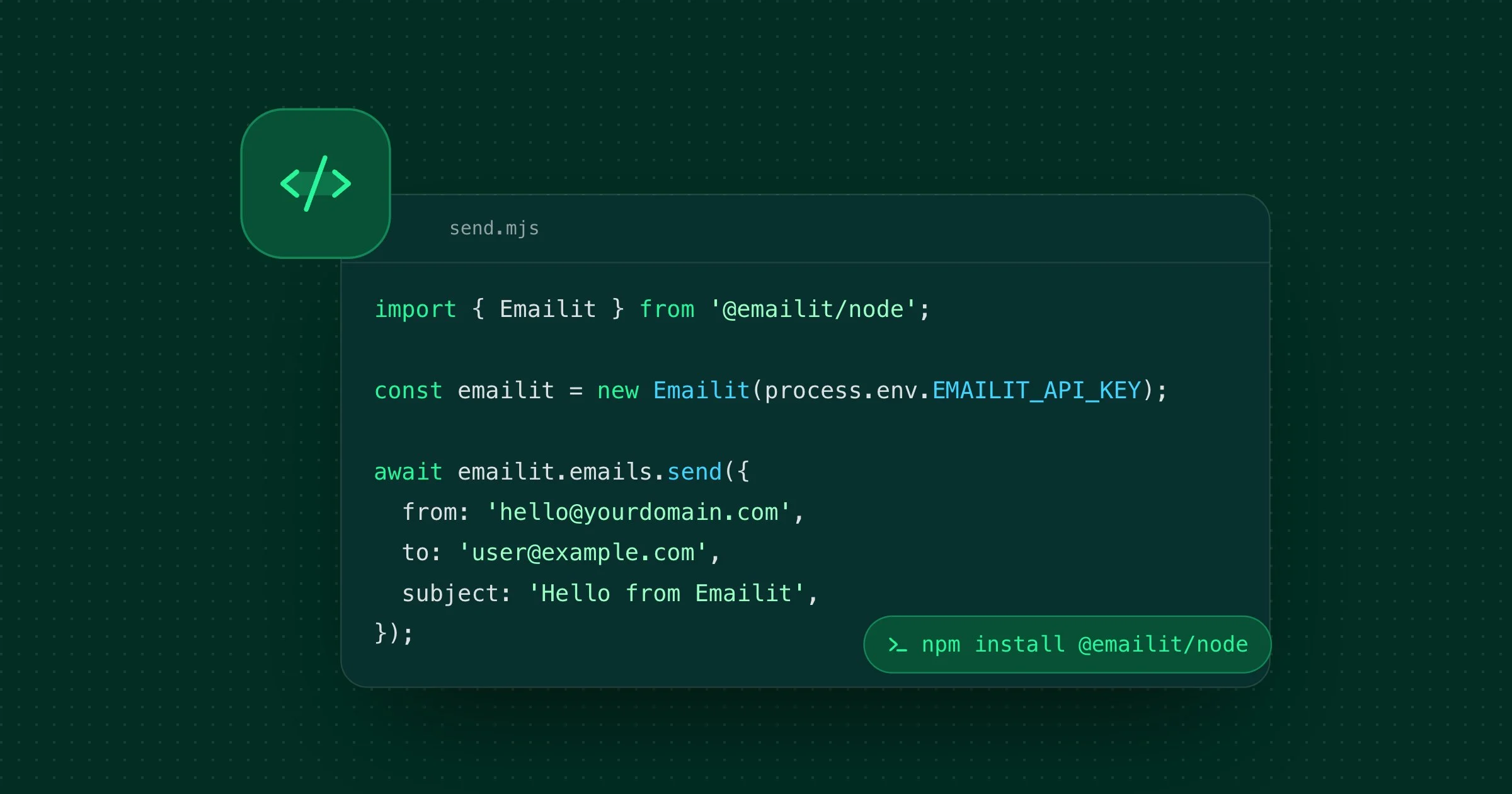
npm install @emailit/nodeThe package is ESM-only. Use import, or await import('@emailit/node') from CommonJS code.
Keep the API key out of your code
Put the key in an environment variable:
# .env
EMAILIT_API_KEY=secret_xxxxxxxxxxxxxxxx
Node.js 20.6 and later load it with node --env-file=.env. On older versions use a package such as dotenv, and in production use your platform's secret settings. Add .env to .gitignore.
Send your first email
Create one client and reuse it for every request:
// send.mjs
import { Emailit } from '@emailit/node';

const emailit = new Emailit(process.env.EMAILIT_API_KEY);

const email = await emailit.emails.send({
  from: 'Acme <hello@acme.com>',
  to: 'ada@example.com',
  subject: 'Welcome to Acme',
  html: '<p>Thanks for signing up.</p>',
  text: 'Thanks for signing up.',
});

console.log(email.id); // em_…
Run it with node --env-file=.env send.mjs. The email shows up under Email API > Emails in the dashboard within seconds, with its delivery timeline.
Always send a text part next to the html. Some recipients read plain text, and spam filters like to see both.
Send from an Express route
In a real app the email is triggered by something a user does. Here is a sign-up route that sends a welcome email from a template:
// server.mjs
import express from 'express';
import { Emailit } from '@emailit/node';

const app = express();
const emailit = new Emailit(process.env.EMAILIT_API_KEY);

app.post('/signup', express.json(), async (req, res) => {
  const { email, name } = req.body;
  // Create the user here, then send the welcome email.
  const sent = await emailit.emails.send({
    from: 'Acme <hello@acme.com>',
    to: email,
    template: 'welcome',
    variables: { name },
  });
  res.status(201).json({ emailId: sent.id });
});

app.listen(3000);
template takes a template alias or ID, and variables fills in its placeholders. Your team can then change the wording in the dashboard without a deploy. See Templates.
Send a contact form
A contact form sends the message to you, not to the visitor. Put the visitor's address in reply_to, so pressing Reply in your inbox answers them:
app.post('/contact', express.urlencoded({ extended: false }), async (req, res) => {
  const { email, message } = req.body;
  if (typeof email !== 'string' || !email.includes('@') || !message) {
    return res.status(400).send('Please fill in your email and a message.');
  }

  await emailit.emails.send({
    from: 'Acme website <website@acme.com>',
    to: 'support@acme.com',
    reply_to: email,
    subject: 'New contact form message',
    text: `From: ${email}\n\n${message}`,
  });

  res.send('Thanks, we will get back to you soon.');
});
Never put the visitor's address in from. You can only send from your own verified domain, and mailbox providers would reject mail that claims to come from someone else's.
Send attachments
Attachments are base64-encoded. Read the file, encode it and set the content type:
import { readFile } from 'node:fs/promises';

const pdf = await readFile('INV-1042.pdf');

await emailit.emails.send({
  from: 'Acme Billing <billing@acme.com>',
  to: 'ada@example.com',
  subject: 'Invoice INV-1042',
  text: 'Your invoice is attached.',
  attachments: [
    {
      filename: 'INV-1042.pdf',
      content: pdf.toString('base64'),
      content_type: 'application/pdf',
    },
  ],
});
The same works for a PDF you generate in memory: pass the Buffer through toString('base64'). Limits and inline images are in Attachments.
Schedule an email for later
Set scheduled_at to an ISO 8601 date, and Emailit holds the email until then:
const reminder = await emailit.emails.send({
  from: 'Acme <reminders@acme.com>',
  to: 'ada@example.com',
  subject: 'Your appointment is tomorrow',
  text: 'See you at 14:00.',
  scheduled_at: '2026-12-01T09:00:00Z',
});

// Plans changed? Move it, or cancel it before it goes out.
await emailit.emails.update(reminder.id, { scheduled_at: '2026-12-01T15:00:00Z' });
Emailit renders the email and charges its credits when you make the request, so to change the content, cancel it and send a new one. Scheduling covers moving and canceling.
Retry without sending twice
When a request times out you can't tell whether the email went out. Retrying blindly can email your customer twice. Add an Idempotency-Key header, and Emailit answers every repeat of the same key with the first response instead of sending again:
const res = await fetch('https://api.emailit.com/v2/emails', {
  method: 'POST',
  headers: {
    Authorization: `Bearer ${process.env.EMAILIT_API_KEY}`,
    'Content-Type': 'application/json',
    'Idempotency-Key': 'order-1042-receipt',
  },
  body: JSON.stringify({
    from: 'Acme <orders@acme.com>',
    to: 'ada@example.com',
    subject: 'Receipt for order 1042',
    text: 'Thanks for your order.',
  }),
});
Build the key from something that identifies the email, such as the order number. A full retry loop is in Idempotency.
Handle errors
The SDK throws a typed error for each kind of failure, so you can react to each one:
import {
  AuthenticationException,
  RateLimitException,
  UnprocessableEntityException,
  ApiErrorException,
} from '@emailit/node';

try {
  await emailit.emails.send(message);
} catch (err) {
  if (err instanceof RateLimitException) {
    // 429: wait err.jsonBody.retry_after seconds, then retry
  } else if (err instanceof AuthenticationException) {
    // 401: the API key is missing or wrong
  } else if (err instanceof UnprocessableEntityException) {
    // 422: for example, the from domain isn't verified yet
  } else if (err instanceof ApiErrorException) {
    console.error(err.httpStatus, err.jsonBody);
  } else {
    throw err;
  }
}
In a web request, don't make the user wait on a retry. Put the send on a queue (BullMQ, pg-boss or your platform's) and let the worker retry with an idempotency key.
Or send with Nodemailer over SMTP
If your app already uses Nodemailer, you don't need to change your code, only the transport. Point it at the Emailit SMTP relay, with your API key as the password:
// mailer.mjs
import nodemailer from 'nodemailer';

const transporter = nodemailer.createTransport({
  host: 'smtp.emailit.com',
  port: 587,
  secure: false, // upgraded with STARTTLS after connecting
  requireTLS: true,
  auth: {
    user: 'emailit',
    pass: process.env.EMAILIT_API_KEY,
  },
});

const info = await transporter.sendMail({
  from: 'Acme <hello@acme.com>',
  to: 'ada@example.com',
  subject: 'Welcome to Acme',
  text: 'Thanks for signing up.',
  html: '<p>Thanks for signing up.</p>',
  attachments: [{ filename: 'terms.pdf', path: './terms.pdf' }],
});

console.log(info.response); // 250 2.0.0 OK: queued as em_…
For port 465 set port: 465 and secure: true. If your network blocks 587, use 2525 or 2587 with the same settings. Every SMTP setting is in the docs.
Nodemailer 10 needs Node.js 20 or later. On Node.js 18, install nodemailer@9, which takes the same settings.
Which one should you pick? The SDK is one HTTPS request per email, gives you typed errors, templates and scheduling, and works where outgoing SMTP ports are blocked, as on some serverless platforms. SMTP is the quickest switch for an app or library that already speaks it. Both land in the same dashboard, with the same logs and webhooks.
Using Next.js?
In the App Router, send from a Route Handler or a Server Action with the same SDK. Keep EMAILIT_API_KEY on the server and never prefix it with NEXT_PUBLIC_. The Next.js guide has a contact form and a webhook route.
Know what happened to each email
To react when an email is delivered, bounces or gets a complaint, create a webhook. Emailit signs each request with an HMAC-SHA256 of the timestamp and the raw body, sent in the x-emailit-signature and x-emailit-timestamp headers. In Express, read that route's body with express.raw(), not express.json(), so the signature can be checked against the exact bytes. The Node.js guide has a complete webhook route that checks the signature.
Get started
Install the SDK and send your first email in a minute:
npm install @emailit/nodeThe free plan includes 3,000 emails a month, so you can try everything above without paying. The SDK source is on GitHub, and every endpoint is in the API reference.