Announcements3 min read
New API Endpoints: Contacts, Events & Webhooks
Manage contacts, query events, and configure webhooks programmatically with the latest additions to the Emailit API.
GBy George
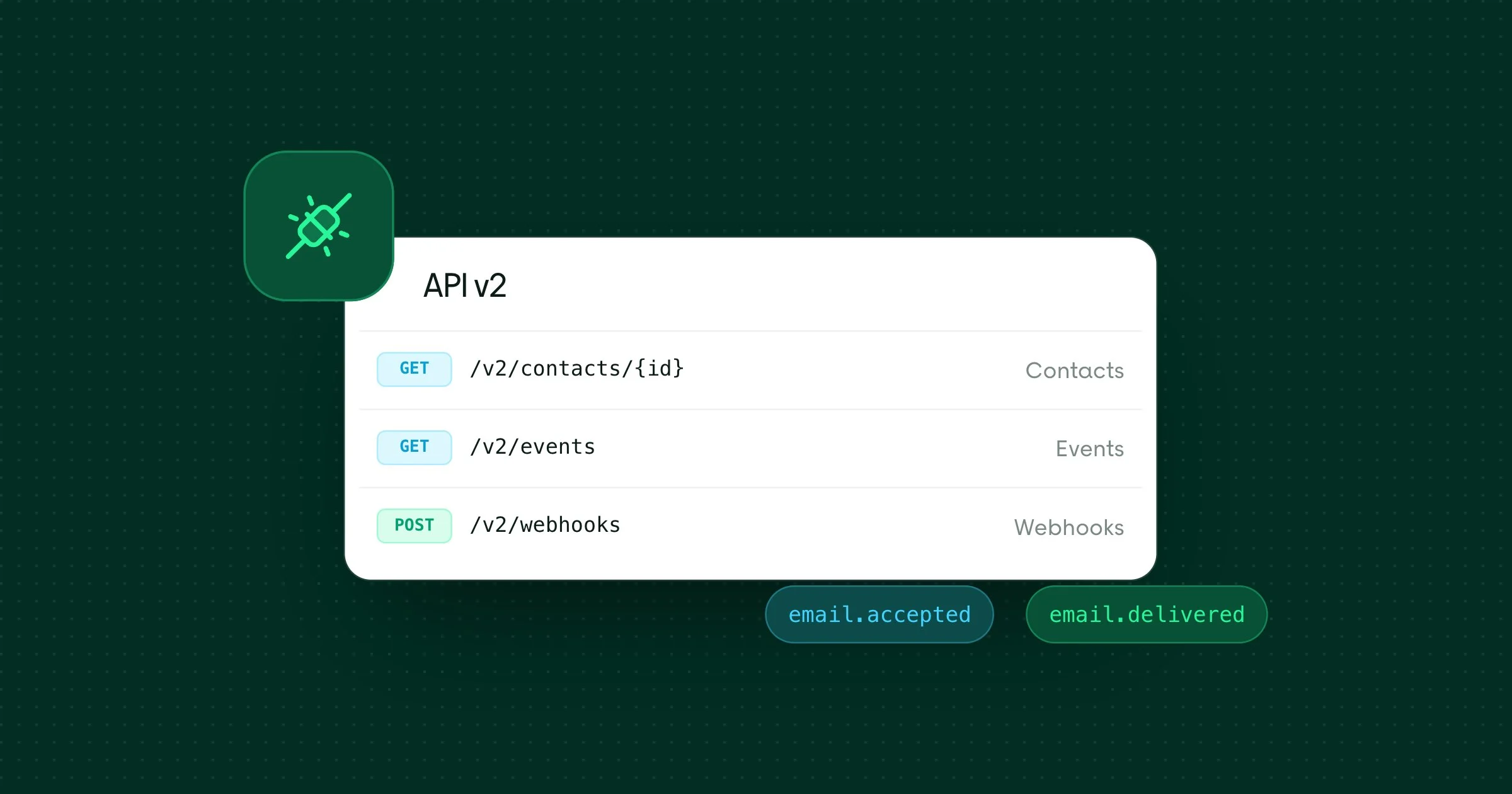
We've just shipped three new resource groups in the Emailit API v2. They are Contacts, Events, and Webhooks. Together they give you full programmatic control over your contact book, monitor events, and webhook integrations.
Contacts
The Contacts API lets you create, read, update, and delete contacts in your workspace. Each contact holds an email address, optional name and custom fields, and can be subscribed to one or more audiences in a single call.
Endpoint | Description |
|---|---|
Paginated list of all contacts | |
Retrieve a contact by ID or email | |
Create a new contact and subscribe to audiences | |
Update name, email, custom fields, or unsubscribe status | |
Delete a contact and all associated subscribers |
Contacts can be looked up by their ID (con_xxx) or by email address, so you can use whichever identifier is most convenient.
{
  "email": "john@example.com",
  "first_name": "John",
  "last_name": "Doe",
  "custom_fields": { "company": "Acme" },
  "audiences": ["aud_2BxFg7KNqr5M..."]
}
Events
Events are created automatically whenever something happens in your workspace. For example, an email is delivered, a contact is created, a domain is updated, and so on. The Events API gives you read-only access to this activity stream.
Endpoint | Description |
|---|---|
Paginated list with type filtering and optional data payload | |
Retrieve a single event with full data |
You can filter by one or more event types using comma-separated values, and toggle include_data to control whether the full payload is returned in list responses.
GET /v2/events?type=email.accepted,email.delivered&include_data=trueWebhooks
Webhooks let you receive real-time HTTP callbacks whenever events occur. The new Webhooks API gives you complete control. You can create, update, enable/disable, and delete webhook endpoints, all through the API.
Endpoint | Description |
|---|---|
Paginated list of all webhooks | |
Retrieve a webhook by ID | |
Create a new webhook endpoint | |
Update URL, events, or enabled status | |
Delete a webhook by ID or name |
You can subscribe to specific event types or use all_events to receive everything.
{
  "name": "Production Webhook",
  "url": "https://example.com/webhook",
  "events": ["email.accepted", "email.delivered", "email.bounced"]
}
There are over 30 event types available across emails, domains, audiences, subscribers, contacts, templates, suppressions, and email verifications. See the full list in the Create Webhook documentation.
Get started
All three APIs require a full-permission API key. Head over to the API Reference to explore all the new endpoints, or jump straight into the documentation linked above.