Announcements4 min read
Temple: Emailit's templating engine, documented
Variables, defaults, and conditionals for API and automation emails, plus what campaigns and SMTP actually do.
GByGeorge
If you have used {{first_name}} in an Emailit template, you have already used Temple, our small templating engine for subjects, HTML, and text. We never published a full reference. That is now live in the docs: Temple.
Temple is not Liquid or Handlebars. It does a few things well and stops there.
What you can write
Variables, including nested paths:
Hello {{first_name}}
Item {{order.items.0.sku}}
Defaults when a value is missing:
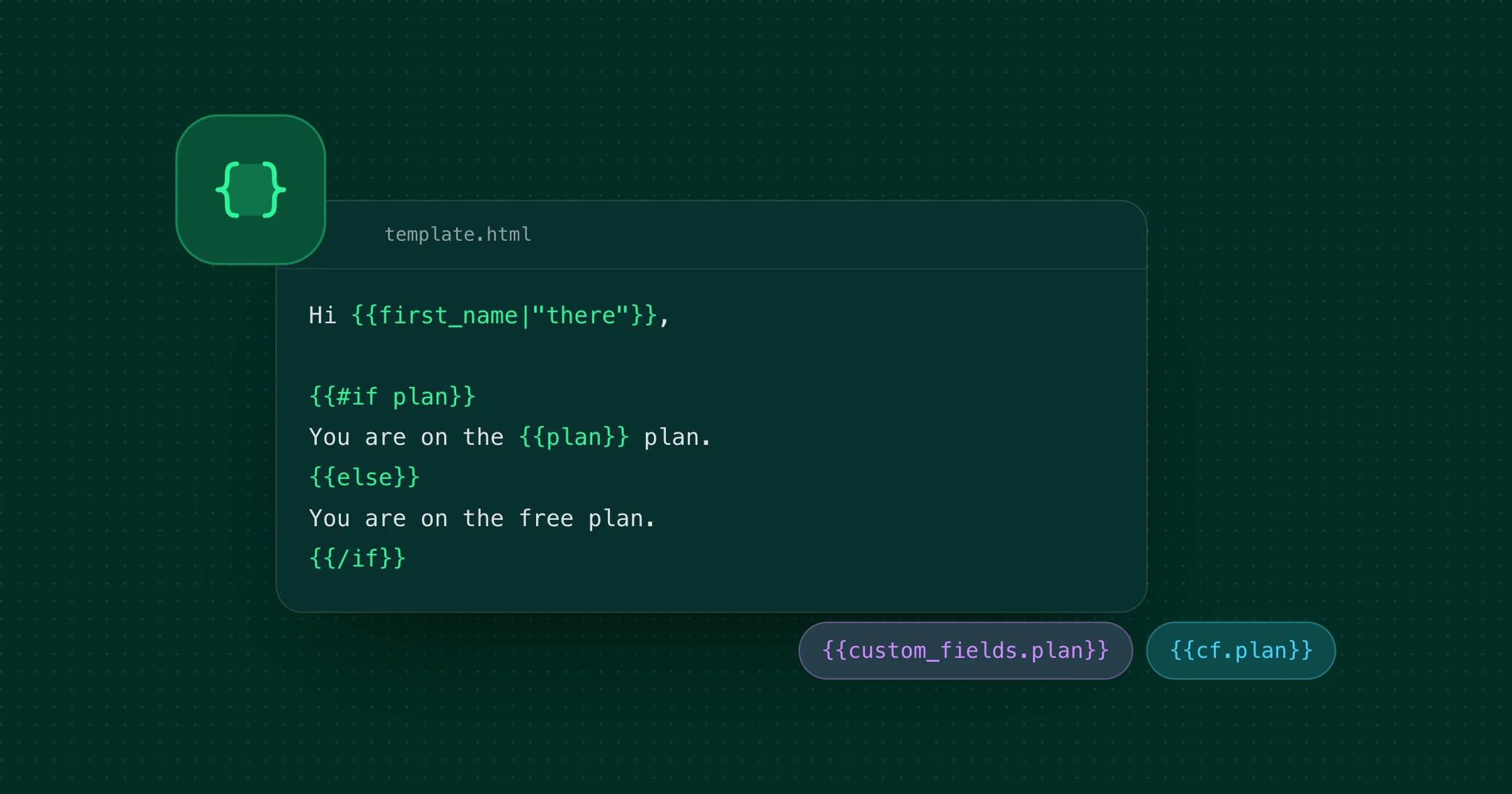
Hi {{first_name|"there"}}Conditionals (no comparisons, just truthy / falsey):
{{#if plan}}
You are on the {{plan}} plan.
{{else}}
You are on the free plan.
{{/if}}
No loops, no custom helpers, no partials. Missing variables become empty strings.
Where it actually runs
This is the part that was undocumented, and easy to get wrong.
- API
POST /emails: Temple runs when you pass atemplateand/or avariablesobject, including inline HTML. - Automation Send Email: Temple always runs. Contact automations expose
{{email}},{{first_name}}, and{{custom_fields.*}}at the root, pluscontact,payload, andmeta. - Templates in the dashboard: tags are stored as-is. Rendering happens when you send.
- Campaigns: not Temple. Only
{{first_name}},{{last_name}},{{email}},{{unsubscribe_url}}, and{{cf.field}}. - SMTP: no server-side templating. The MIME you submit is what we send.
Campaign custom fields use {{cf.plan}}. Automation custom fields use {{custom_fields.plan}}. Same contact data, different prefixes.
Get started
Read the full Temple reference, including the availability table and examples, or send a template from the Email API with a variables object.