Announcements3 min read
Templates & Template API Now Available
Design reusable email templates in the dashboard and manage them programmatically with the new Templates API.
GBy George
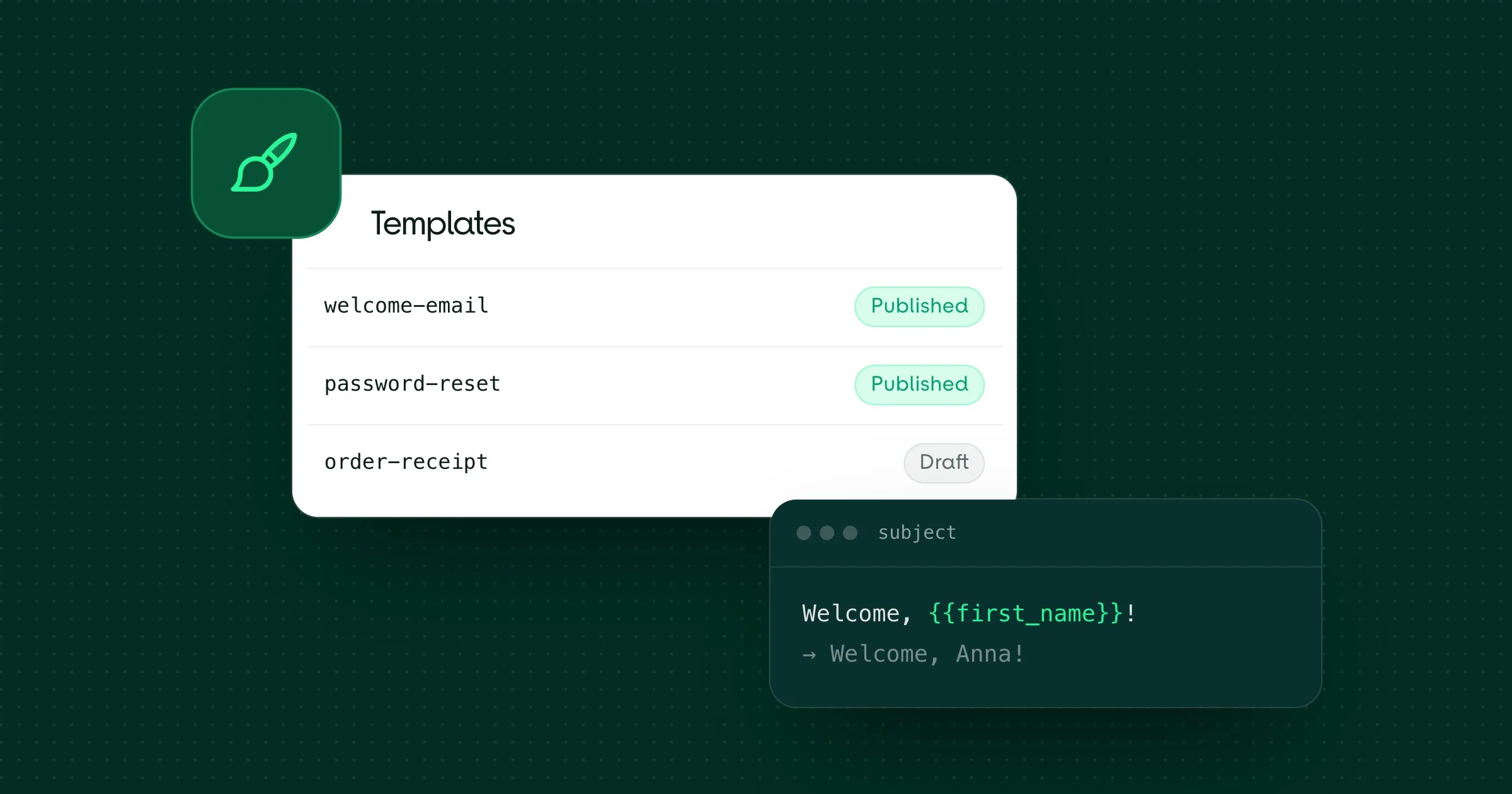
We're excited to introduce Templates — a powerful way to design, manage, and reuse email content directly from your dashboard.
What are Templates?
Templates let you create reusable email designs that you can send again and again without rebuilding the content each time. Define your layout, subject line, sender address, and body once — then reference it by alias or ID whenever you send.
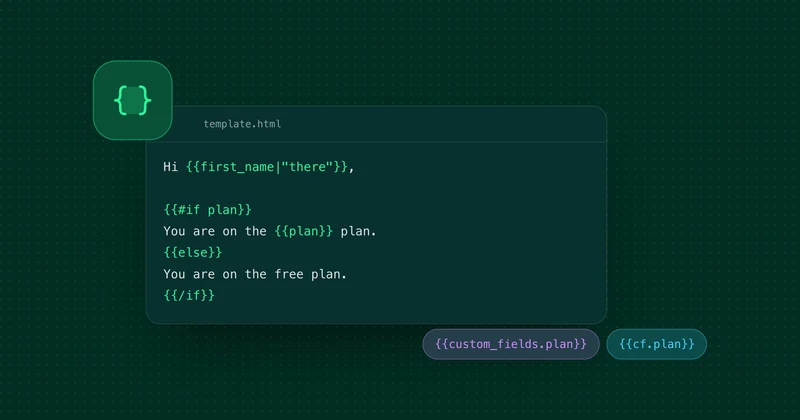
Each template supports variables using {{variable}} syntax, so you can personalize every email with dynamic content like names, links, or any custom data.
Key features:
- Multiple editors — build templates with the HTML editor, the Tiptap rich-text editor, or the Dragit drag-and-drop builder
- Versioning — templates with the same alias are grouped as versions, so you can iterate without breaking existing sends
- Publishing — only one version per alias is live at a time, giving you full control over what gets sent
Here's a quick look at templates in action:
Templates API
Need to manage templates programmatically? The full Templates API is available:
Endpoint | Description |
|---|---|
Create a new template | |
List all published templates | |
Get a template by ID | |
Update an existing template | |
Delete a template | |
Publish a specific version |
When you create a template with a new alias, it's automatically published. If the alias already exists, the new template is saved as a draft — publish it when you're ready.
Sending emails with a template
The Email Send API now supports a template parameter. Pass a template alias or ID along with your variables, and we'll handle the rest:
POST /v2/emails{
"from": "hello@yourdomain.com",
"to": "user@example.com",
"template": "welcome_email",
"variables": {
"name": "John Doe",
"company": "Acme Inc",
"activation_url": "https://example.com/activate?token=abc123"
}
}The template provides the subject, HTML, and text body — you just supply the recipient and your variables. You can still override from, subject, or other fields if needed.
Get started
Head over to the dashboard to create your first template, or dive into the Templates API documentation to manage templates via code.