Announcements12 min read
Workspace: Members
You asked for it, we built it. Workspace members are now available in Emailit.
GBy George
Invite your team to your workspace
One of the most requested features by our users is the ability to invite team members to your workspace. Starting today, we are introducting workspace members.
How do I invite a member to my workspace?
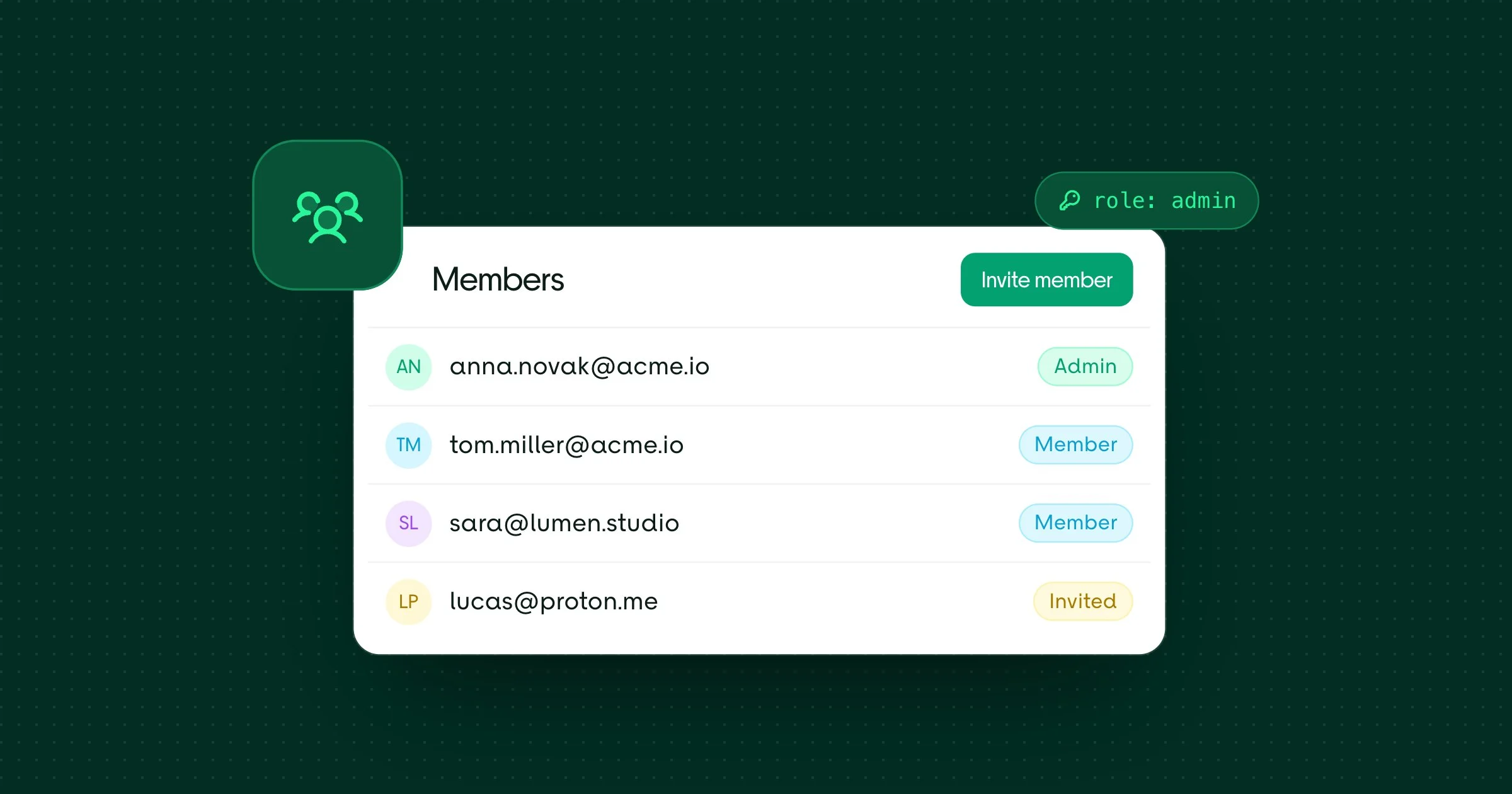
To invite a member to your workspace, you can go to the Settings page and click on the Members item. There you can see all the members of your workspace and click on the Invite Member button.
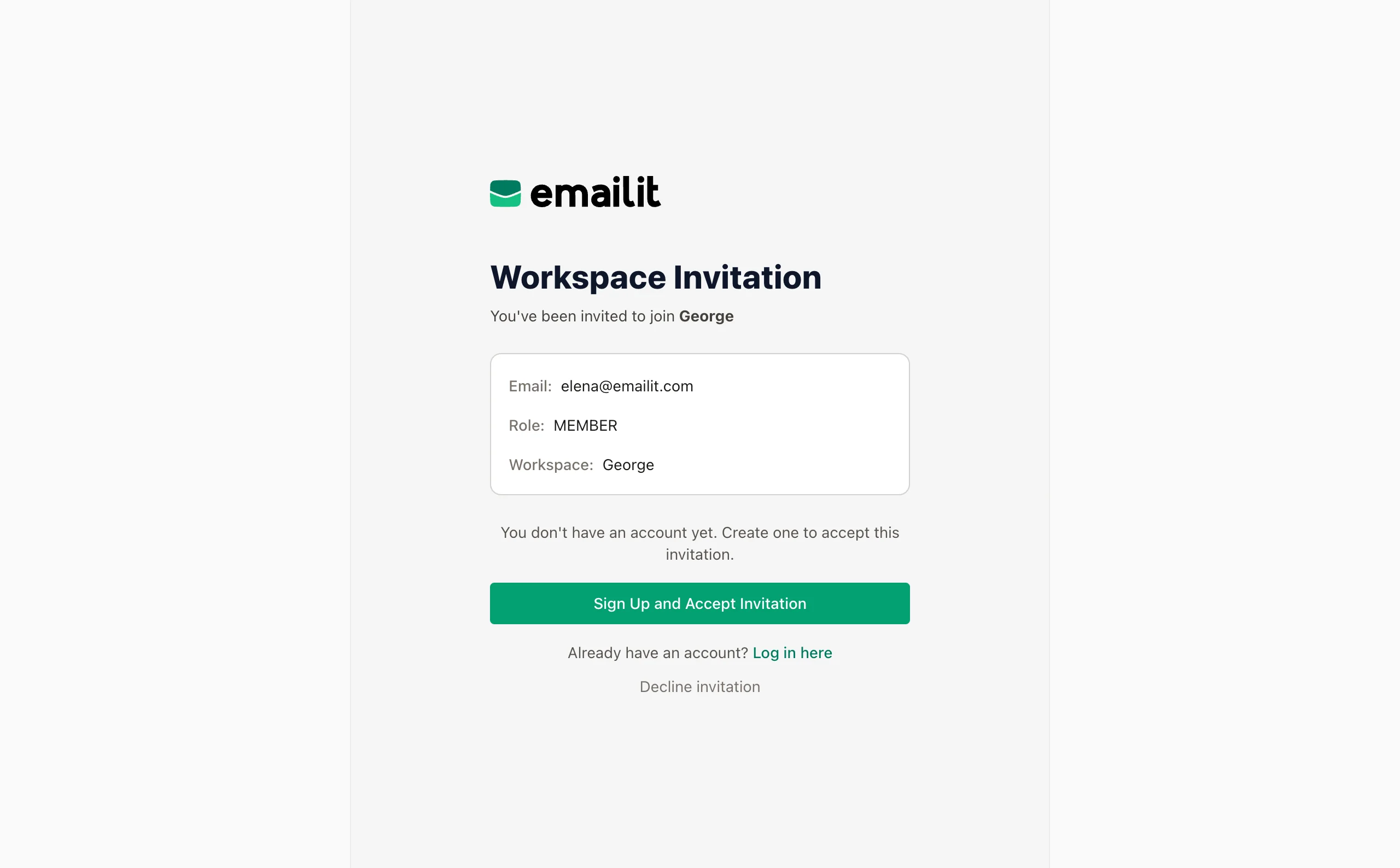
Once you invite a member, they will receive an email with a link to join your workspace.
Member roles
There are two roles you can assign to a member:
- Admin: Can manage everything in the workspace
- Member: Has access to the workspace but no access to workspace settings
How do I remove a member from my workspace?
To remove a member from your workspace, you can go to the Settings page and click on the Members item. There you can see all the members of your workspace and click on the Remove Member button.