Announcements2 min read
Introducing the Retry Button
You can now retry emails that hard failed, errored, or got held — one of our most requested features.
GBy George
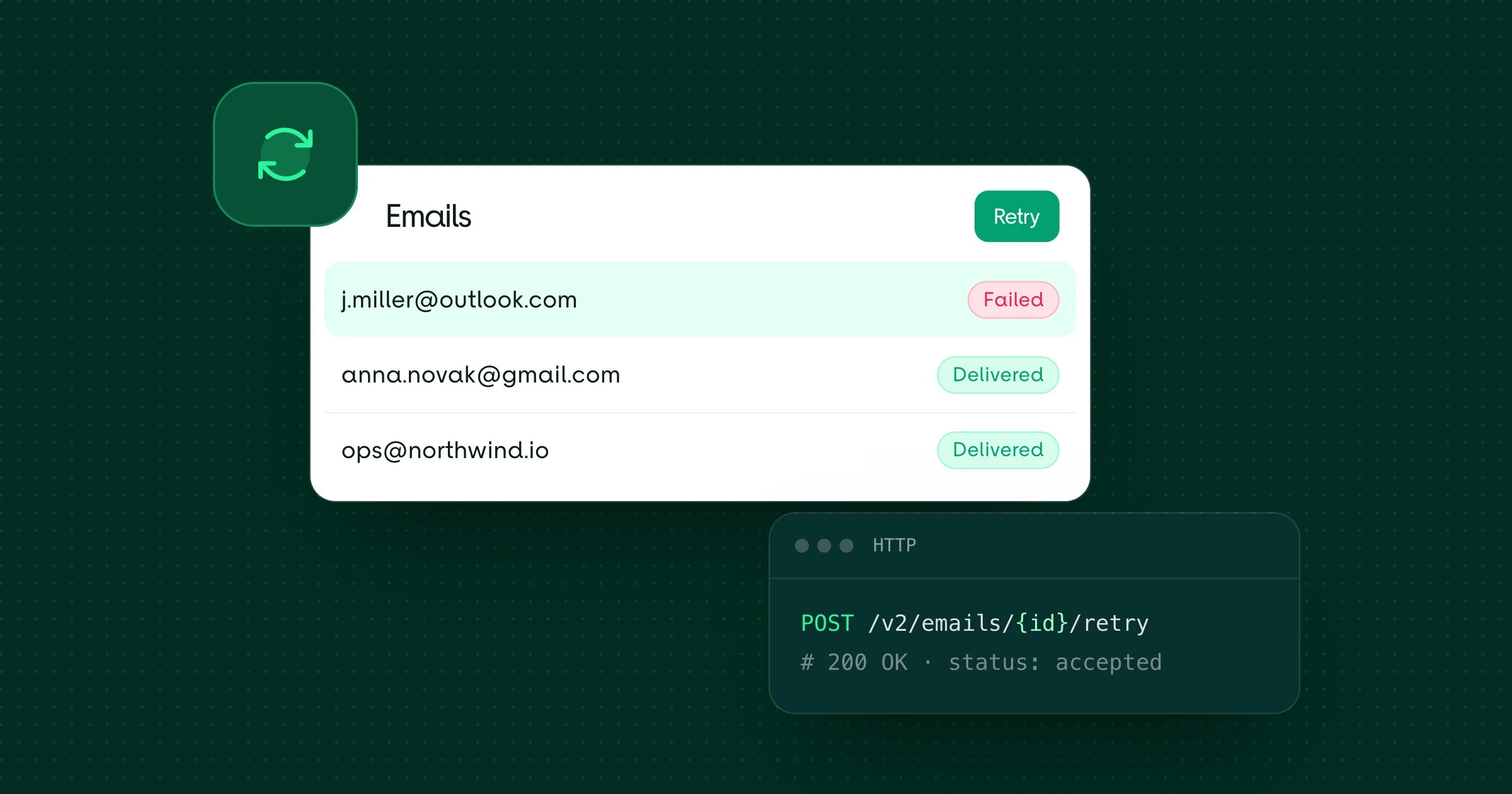
One of our most requested features is now available — the Retry button.
You can now retry emails that hard failed, errored, or got held directly from the dashboard.
How it works
When you click the Retry button, we duplicate the original email and send it again. The new email gets its own ID and goes through the normal sending process.
This is useful when:
- An email hard bounced due to a temporary issue
- An email errored during processing
- An email was held and you want to resend it
Via API
You can also retry emails programmatically using the Email API:
POST /v2/emails/{id}/retrySee the Retry Email documentation for code examples.
Pricing
Retried emails are billed as new emails based on our standard pricing. Since the retry creates a duplicate email, it counts as a separate send.